
For the Accidental IT Person
Small Business IT Support in Buffalo, NY
Fixing the Wi-Fi is not your job. Hand it to someone whose job it is.
IT Support for Small Business, Without Hiring IT Staff
IT support for small business is outside help for an office of about 5 to 50 people with no IT staff. A provider takes over the laptops, email, Wi-Fi, backups and security the owner or office manager is juggling now. Send your headcount for a quote.
You know who the IT department is. It is whoever was standing closest when the printer died. That person has a real job, and every password reset pulls them off it.
The cost is hidden but it is not small. An office manager who loses an hour a day to tech questions is working a four-day week for you. And the chores nobody has time for, like checking the backup, are the ones that hurt most when they are skipped.
IT Services for Small Business That a Small Office Really Needs
No enterprise bundle. Six things cover most offices under fifty people.
A Help Desk Staff Can Call
Questions go to support by phone or email and stop landing on the office manager's desk.
Email the Business Owns
Mailboxes and shared files live under company accounts, with multi-factor sign-in for every user.
Backups That Get Tested
Files and email are backed up on a schedule, and a restore is run to prove it works.
Patched, Protected Computers
Updates and security software are installed and watched on every laptop and desktop, in the office or at home.
Wi-Fi and Network Care
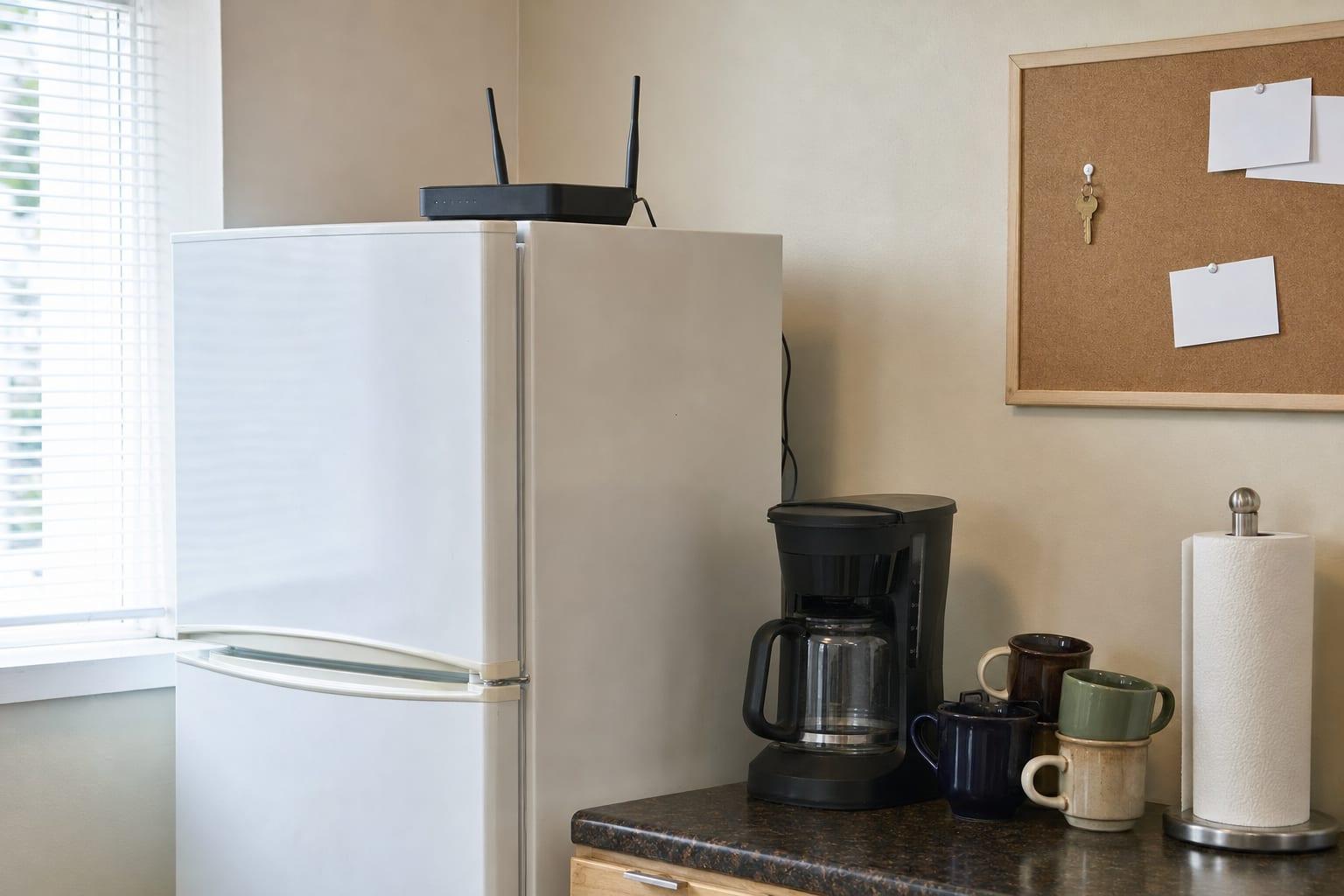
The router, switch and access points are set up properly, with guests kept off the business network.
Hires and Departures
New staff get a working laptop and logins on day one. People who leave lose access the same day.
How Small Business IT Support Starts
Quick Call
You say how many people and computers you have and what bothers you most.
Inventory
Every laptop, account, license and password gets written down, often for the first time.
Fix the Risky Parts
Missing backups, shared passwords and unpatched PCs are handled first.
Hand Off the Daily Stuff
Staff are shown how to reach support, and the office manager stops being the middleman.
Check In
A regular review covers what broke, what is aging and what next year will cost.
Why Choose Us for Small Business IT Support?
Built for Small Budgets
The plan is scoped to the desks you have and a number you can plan around each month.
Nobody Talks Down to You
You get a plain answer whether you ask about a firewall or a frozen mouse.
The Law Still Applies
New York's SHIELD Act expects reasonable safeguards from businesses under 50 employees too, scaled to their size.
Room to Grow
Adding a tenth or a fortieth person is a routine request, with no rebuild required.
How Much Does Small Business IT Support Cost?
| Office size | Price | What moves the number |
|---|---|---|
| 5 to 15 people | Custom quote | Device count and whether there is a server |
| 16 to 30 people | Custom quote | Security tools, remote staff and specialty software |
| 31 to 50 people | Custom quote | Multiple sites, compliance rules and coverage hours |
Budget questions are fair, so ask them first. Give a monthly figure you can live with and ask what it buys and what it leaves out. An office of five on cloud email may only need hourly help, and you should be told so.
Talk to a Buffalo IT Team
How many people, and who is fixing things today? Two answers start a quote.
Call (716) 740-3088Get a Free Quote
No obligation.

Where We Provide This Service
Small Business IT Support Questions
How much does IT support cost for a small business?
Small business IT support is billed per person or per device each month, or by the hour for occasional help. Headcount, device count and security needs set the total. This site prints no rates. Your own numbers get you a written quote.
Does a small business need managed IT or hourly help?
A small business with a server, compliance rules or more than about ten people usually does better on a managed plan. A handful of people on cloud email can often get by with hourly help and a yearly checkup. What downtime costs you decides it.
What is the difference between remote and local IT support?
Remote IT support fixes problems over a secure screen-sharing session, and local support sends a person to your office. Most small business issues are solved remotely. You want a provider that does both, because a dead switch cannot be fixed over the internet.
How do I choose IT support for a small business?
Choose small business IT support by asking four things. What is covered, what costs extra, how fast urgent requests are answered and how you get out of the contract. A provider that answers all four in writing is worth a second call.