
Fix It, Then Fix Why
IT Support in Buffalo, NY
Say what stopped working and how many people are stuck.
IT Support for Local Offices, Remote and On Site
IT support in Buffalo gives your staff someone to call when a computer, login, printer or connection fails. Most problems are fixed by remote session, hardware gets a visit, and the root cause is tracked down so it stops repeating. Email contact@manageditservicesbuffalo.com for a quote.
Here is what bad support sounds like. Have you tried restarting it? That works until Thursday, when the same laptop drops off the Wi-Fi again and the same person loses the same half hour.
Good support asks why. The laptop drops because its wireless driver is three versions old, and so are eleven others. Fix all twelve once and the calls stop. If your office is small and has no IT person at all, read about IT support for small business.
What IT Support Covers
The everyday failures. Each one small, each one able to stop a person cold.
Lockouts and Passwords
Resets, expired passwords and multi-factor prompts that never arrive. If one account locks every week, the reason gets found.
Email and Calendars
Mail that will not send, calendars that will not share and a spam filter eating messages from real customers.
Wi-Fi and Internet
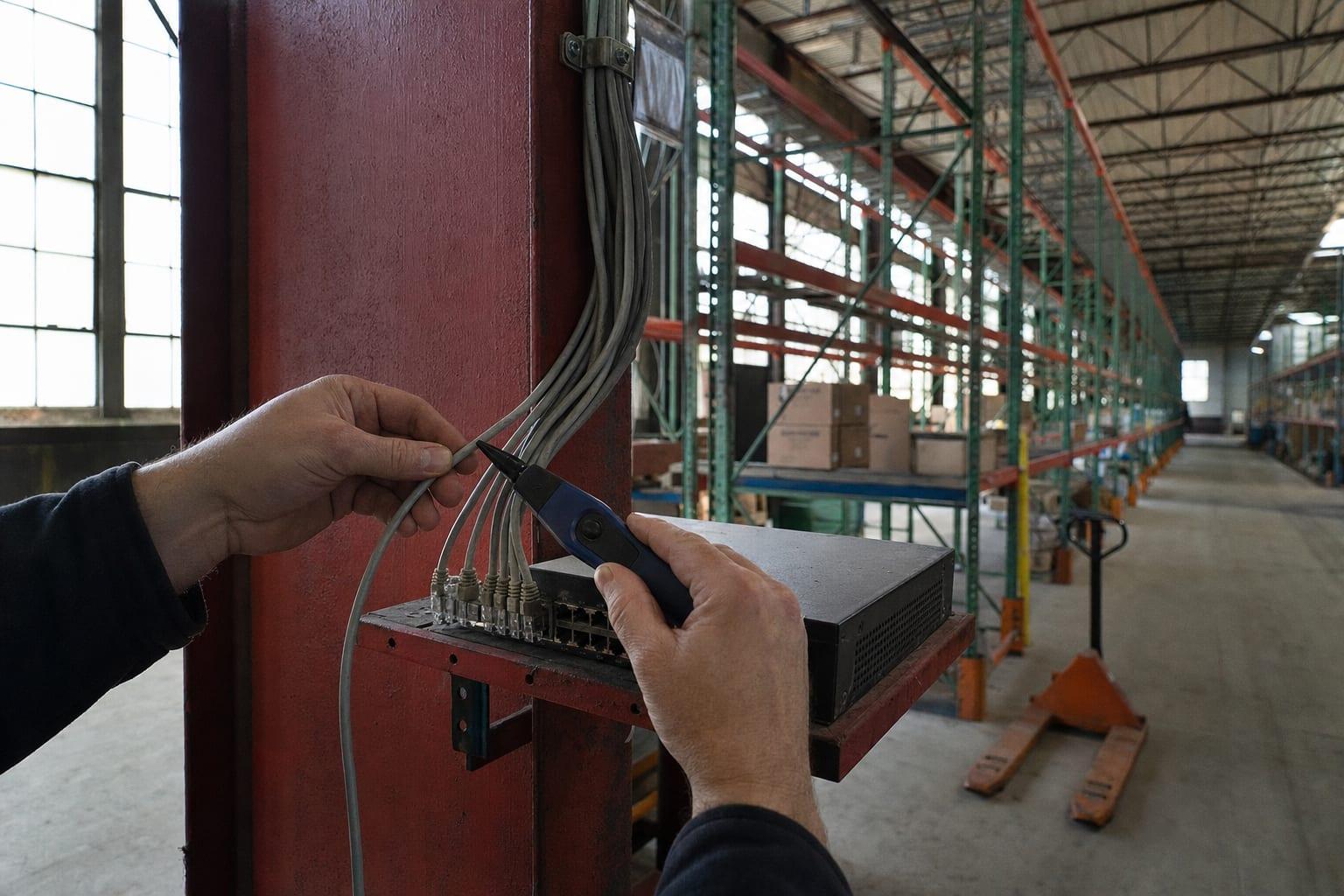
Dead zones, slow afternoons and the conference room where video calls always freeze.
Printers and Scanners
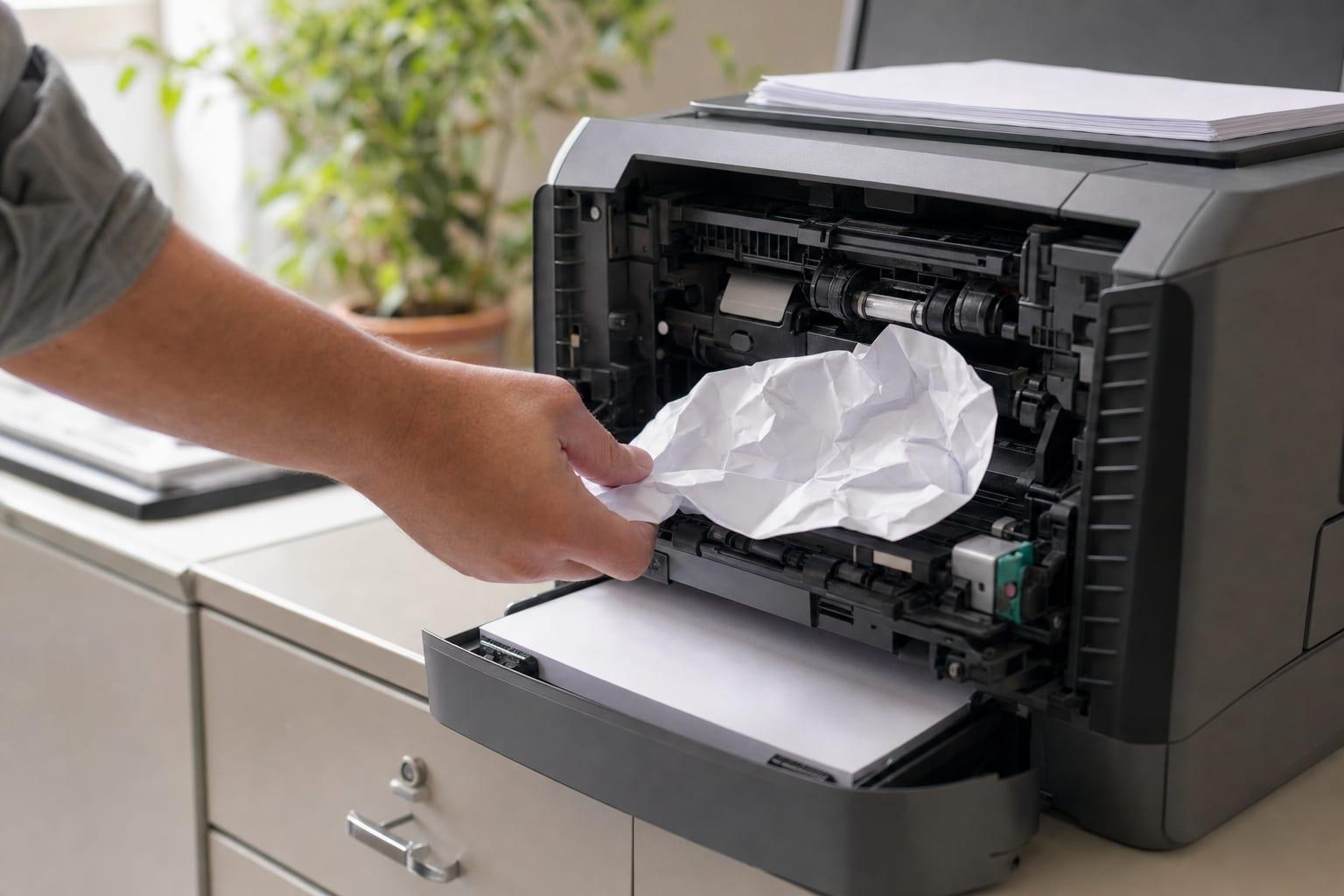
The copier that lost its address again and the scan-to-email that quit after a password change.
Laptops and Desktops
Slow startups, failing drives and machines too old for Windows 11, repaired or flagged for replacement.
Remote Workers
Home setups, VPN trouble and video call problems handled the same as a desk in the office.
How IT Support Starts
Report It
Call or email with what failed and who is affected.
Remote Look
A technician connects to the machine and sees the problem firsthand.
Fix or Dispatch
Software problems are fixed in the session, and hardware gets a scheduled visit.
Find the Cause
Repeat issues are traced to their source and corrected across every affected machine.
Write It Down
The fix is logged so the next technician does not start from zero.
Why Choose Us for IT Support?
Root Cause, Every Time
The repeat problem gets a diagnosis. A restart is not a diagnosis.
Works During a Driving Ban
Remote sessions do not need open roads, and this region closes its roads.
One Queue for Everything
Staff have one number and one email for every tech problem, whoever made the device.
Told in Plain English
You hear what failed and what was done, without a pile of jargon.
How Much Does IT Support Cost in Buffalo?
| How you pay | Price | What moves the number |
|---|---|---|
| By the hour | Custom quote | How often things fail and how many need a visit |
| Flat monthly plan | Custom quote | People, devices and hours of coverage |
| Prepaid block of hours | Custom quote | Block size and how quickly you use it |
Hourly looks cheaper until you count the calls. Add up last year's outages and the staff time lost to each, then hold both quotes against that figure.
Talk to a Buffalo IT Team
What quit, and how many people are waiting?
Call (716) 740-3088Get a Free Quote
No obligation.

Where We Provide This Service
IT Support Questions
What does IT support do?
IT support fixes the computer, login, email, printer and network problems that stop staff from working. It also handles the patching and backups that prevent repeat failures. The good kind tells you why something broke as well as that it was fixed.
How much does IT support cost in Buffalo?
IT support is billed by the hour, by a prepaid block of hours or as a flat monthly fee per person. Which is cheapest depends on how often things break in your office. No rates are listed here. A written quote follows your details.
Is remote IT support safe?
Remote IT support is safe when the session is encrypted, the technician signs in with multi-factor and you can see when someone is connected. Ask the provider which remote tool they use and who can access it. Unattended access should be listed in your agreement.
What is the difference between IT support and a help desk?
A help desk is the front line of IT support that answers staff requests by phone, email or chat. IT support is the wider job, which adds on-site repairs, network work, patching and backups. Most managed plans include both under one fee.